
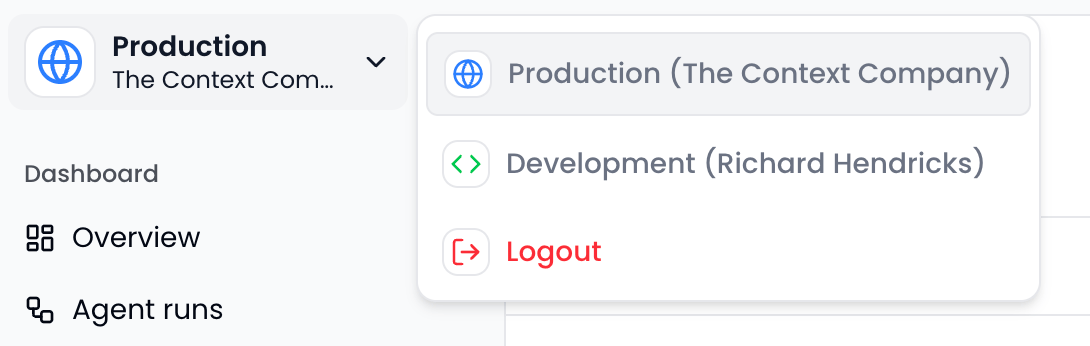
Production (Cloud-Hosted)
The production environment provides full-featured observability for your live AI agents. Monitor real user interactions, detect silent failures at scale, and get alerts when issues arise. Production features include:- Detailed traces: Understand every agent run’s execution flow, reasoning steps, and tool calls
- Silent failure detection: Automatic detection of hallucinations, bad tool calls, infinite loops, and user frustration
- Search, filter, and sort: Query across all agent runs, steps, and tool calls with custom metadata filtering
- User feedback collection: Capture thumbs up/down ratings and text feedback from end users
- Agent sessions: Group related runs into sessions to track full user conversations
- Aggregate metrics: Dashboard views of latency, costs, token usage, success rates, and failure trends
- Alerts and reports: Real-time notifications for failure spikes and weekly trend digests
Development (Cloud-Hosted)
Every user gets a private, cloud-hosted development environment for staging and debugging. Test your integrations and explore traces before shipping to production. To use dev mode:- Set the
TCC_API_KEYenvironment variable to your user-level API key (begins withdev_) - Switch to the development environment in the dashboard
Local Mode (Next.js + AI SDK)
Local mode provides a local-first development experience for rapid iteration. Run The Context Company directly within your Next.js app. No cloud connection required. Local mode is ideal for:- Offline development and debugging
- Fast iteration on agent logic
- Inspecting traces in real-time during development